
Tuesday, 21 January 2020
Screencasting Workshop
Screencasting enables you to capture anything on your screen, add an audio narration, and share the resulting presentation with your students. Screencasting tools can help you create course orientations, present mini lectures, provide assignment feedback, and even support students’ technology use. In this workshop, you will look at a variety of web-based, desktop, and mobile screencasting tools to find the right one for your teaching and learning needs. You will engage in the process of creating a screencast, including planning, storyboarding, preparing your screen, recording, and publishing.


Infraplus Workshop: Communication Tools
In order for education to happen, communication is paramount. Through Infraplus, lecturers communicate with their students via forums, live chat, and editing documents, through real-time collaboration. Chat allows lecturers and students to communicate about a collaborative task, share ideas, share links, and in general work together on projects. Better yet, the live chats can be recorded and saved for future reference. This workshop will help lecturers learn about the strengths and limitations of each tool and when to use it.


Sunday, 2 September 2018
The Power of PowerPoint Workshop
The Power of PowerPoint Workshop is a 4-hour interactive workshop designed to train lecturers with the process of making lecture videos with tools – software and hardware – that are readily available to them using their own teaching materials.
Other details are stated in the poster below:

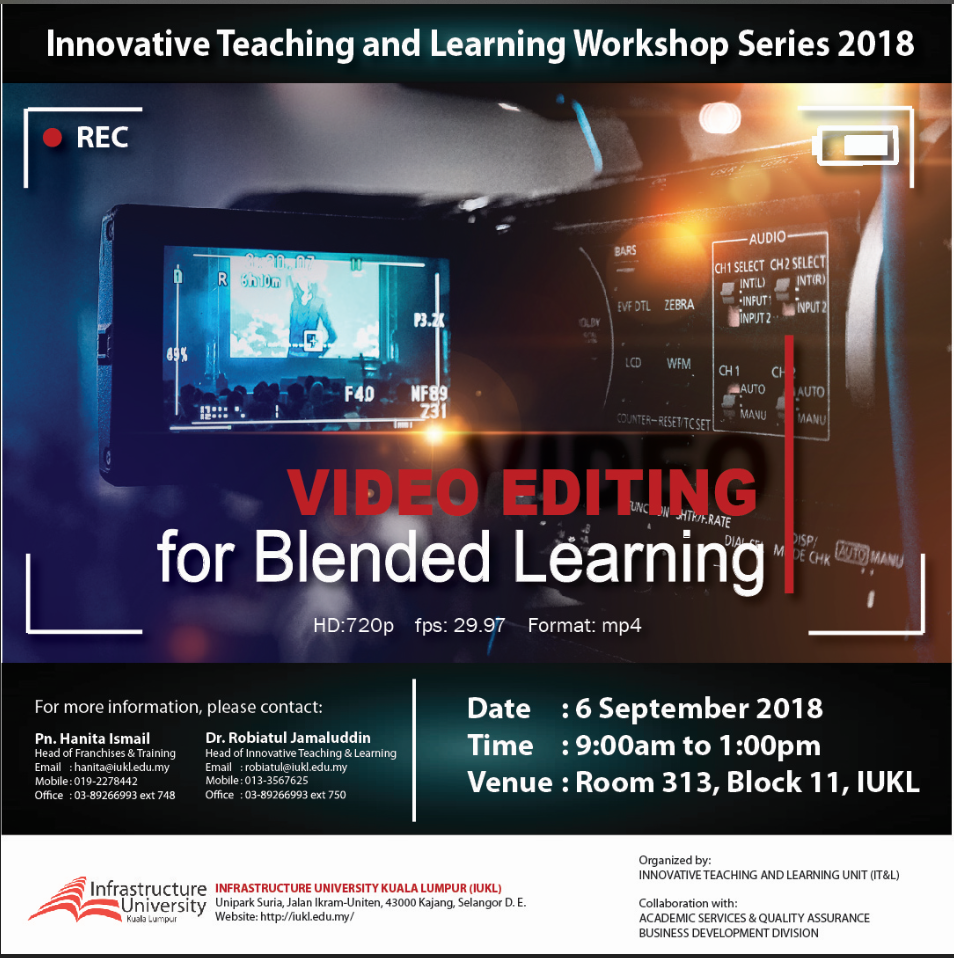
Video Editing for Blended Learning
The Video Editing for Blended
Learning Workshop is a 4-hour interactive workshop designed to teach
educators how to edit raw video footage, pictures, and sound files into usable,
pedagogically effective instructional material for use in their
classrooms.
Other details are stated in the poster below:

Tuesday, 7 August 2018
3D Hologram Video Workshop for Kids

Date & Time: 31 August 2018 | 8:30am to 12:40pm
Venue: Open Lab 2 (313), Block 11, IUKL.
CALL US TO RESERVE YOUR SEAT NOW!
Dr. Robiatul A'dawiah Jamaluddin
HP No: 013-35678625
Email: robiatul@iukl.edu.my
Event Committee
Pn. Kamarul Naemi Kamarudin | kamarul@iukl.edu.my
Pn. Hafiza Ahmad | hafiza@iukl.edu.my
Organizer
Faculty of Creative Media & Innovative Technology
Infrastructure University Kuala Lumpur
Unipark Suria, Jalan Ikram-Uniten,
43000 Kajang, Selangor Darul Ehsan
Monday, 20 November 2017
Making Lectures Video Workshop

Venue: Open Lab 2 (313), Block 11, IUKL.
Trainer
Dr. Robiatul A'dawiah Jamaluddin | Senior Lecturer, FCMIT.
Haslin Hasan | Lecturer, FCMIT.
Event Committee
Pn. Suhaila Mohd Nordin | suhailanordin@iukl.edu.my
Saraiza Khairul Ikram | saraiza.ikram@iukl.edu.my
Organizer
Faculty of Creative Media & Innovative Technology
Infrastructure University Kuala Lumpur
Unipark Suria, Jalan Ikram-Uniten,
43000 Kajang, Selangor Darul Ehsan


Thursday, 7 September 2017
Blender "just do it!!"


From Box to Hero : This workshop will take you from beginner to intermediate understanding of the Blender 3d program. We will begin with a simple workflow to get your job done quickly. And along the way we will model a simple humanoid figure for you to rig later on. From this humanoid that you build, we will animate some walk cycle and some other movement for it. We will then unwrap your model and put colors and materials to your character by painting and texturing. We will wrap-up this workshop with an animated character rendered to an animation (avi, mpeg, ect.) file.
FB Group Click
Here: IT
Group
IUKL Page Click
Here: 3D
Modelling Workshop
Date & Time: 24-26 October 2017 (3 DAYS) | 9:00am to 5:00pm
Mr. Amran Sidek | 3D Consultant/Generalist (PIND), Maple Signature Sdn. Bhd.
Mr. Amran is expert in 3D modelling, motion graphic, computer animation, computer graphic, visual effects, game character, compositing, etc.


Subscribe to:
Posts (Atom)